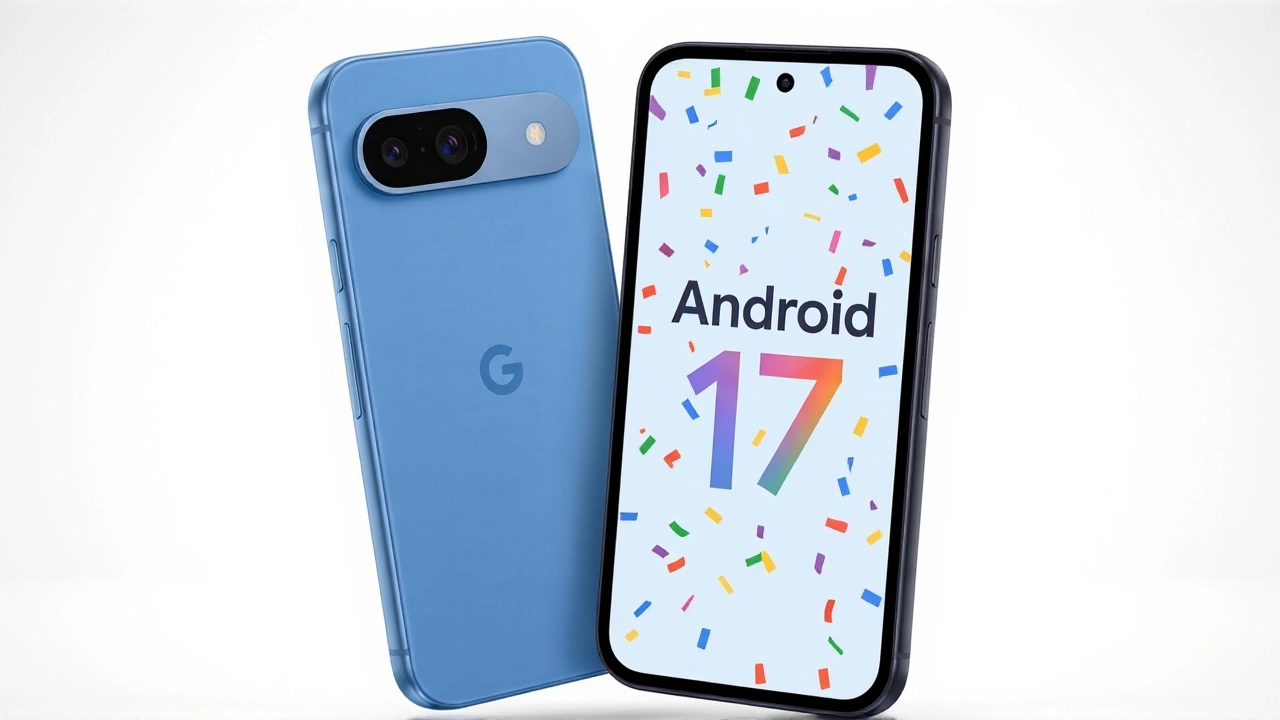
It’s finally here. Google has begun rolling out Android 17 to the budget-friendly Google Pixel 9a, bringing a massive wave of new features to one of its most popular mid-range devices. The update landed on Tuesday as part of the June Pixel Drop, marking a significant moment for owners who’ve been waiting for the latest OS improvements.
But here’s the twist: while your phone is getting smarter in some ways, it’s missing out on the biggest headline feature—Gemini Intelligence. It’s a mixed bag, but for many, the practical upgrades might outweigh the missing AI hype.
The Big Update Arrives
The rollout kicked off on June 16, 2026, following The Android Show 2026Mountain View where Google officially unveiled the new operating system back in May. This isn’t just a security patch; it’s a full-blown feature drop that includes multitasking tools, enhanced privacy controls, and a revamped screen recorder.
If you’re holding a Pixel 9a, you’re in luck. Along with every Pixel from the 6 series up to the newly released 10a, your device is eligible. However, don’t panic if you don’t see the notification immediately. Google uses a phased rollout, meaning the update trickles out over days or even weeks. The stable build number to look for is CP2A.260605.012, and the download size sits at a hefty 1.5GB.
Cross-Platform Sharing Finally Lands on Budget Pixels
Here’s the genuinely useful perk that TechCabal highlighted: Quick Share now works with iPhones. Yes, you read that right. For years, sharing files between Android and iOS was a headache involving third-party apps or email attachments. Now, with Android 17, your Pixel 9a can seamlessly send photos, videos, and documents to iPads, Macs, and iPhones.
This feature originally debuted on the premium Pixel 10 series in November 2025 and expanded to the Pixel 9 line in February 2026. But today, it finally reaches the affordable tier. It’s a small change that solves a daily frustration for millions of users who live in mixed-device households.
New Creative Tools: Screen Reactions and More
Content creators will appreciate the new "Screen Reactions" feature. Think of it as a picture-in-picture mode for your soul. You can record your screen while simultaneously capturing a video of yourself reacting to what’s happening on the display. You can tap, drag, and resize your selfie feed while recording, making it easier than ever to create tutorial videos or funny reaction clips directly from your phone.
Other highlights include:
- Vibe Coding Widgets: Use Google’s Gemini to generate custom home screen layouts based on simple text prompts.
- Gboard Rambler: An AI-powered feature that helps you expand short notes into longer drafts.
- Improved Privacy Controls: Granular permissions for location and microphone access.
The Catch: No Gemini Intelligence
So, why isn’t everyone celebrating the arrival of Gemini Intelligence? Because it’s not coming to the Pixel 9a. And there’s a specific technical reason for this.
The Pixel 9a ships with 8GB of RAM and runs on the Nano v2 AI model. According to reports, these hardware constraints mean the device doesn’t meet the minimum requirements for Google’s new agentic Intelligence layer. Currently, only the Pixel 10 series qualifies for this advanced on-device AI capability.
It’s worth noting that this limitation applies specifically to the new "agentic" layer. Other AI features like the widget generator and Gboard Rambler are still available, but they likely rely more on cloud processing or lighter models that fit within the 9a’s memory limits.
How to Install (And Avoid Data Loss)
To get the update, head to Settings > System > System update and tap Check for updates. Make sure you’re connected to Wi-Fi, given the 1.5GB file size.
A crucial warning for beta testers: If you’re currently enrolled in the Android 17 Beta program, opt out now. While the stable OTA update won’t wipe your data, leaving the beta channel after a newer beta has already shipped can trigger a factory reset. Wait until the stable window is open to switch back to avoid losing your photos and settings.
What’s Next for Android 17?
Beyond Pixels, other manufacturers are preparing their own versions. Samsung Galaxy flagships released after 2023, starting with the S23 series, are expected to receive Android 17 later this year. For developers, Google has already released the Android 17 system image (codenamed "Baklava") for testing in Android Studio Meerkat.
Frequently Asked Questions
Does the Pixel 9a get all Android 17 features?
Mostly, yes. The Pixel 9a receives Quick Share cross-platform support, Screen Reactions, and improved privacy controls. However, it does not support the new on-device Gemini Intelligence layer due to hardware limitations (8GB RAM and Nano v2 model).
Why can't my Pixel 9a use Gemini Intelligence?
Gemini Intelligence requires more powerful hardware than the Pixel 9a offers. Specifically, the device's 8GB of RAM and Nano v2 AI chip do not meet the threshold for running the new agentic AI layer locally. This feature is currently exclusive to the Pixel 10 series.
How do I share files with an iPhone using Pixel 9a?
With Android 17, you can use the Quick Share feature. Select the file you want to share, tap the share button, and choose Quick Share. Your iPhone should appear as a nearby device if both have Bluetooth and Wi-Fi enabled. Note that the iPhone user may need to install the Quick Share app from the App Store first.
Should I leave the Android Beta before updating?
Yes, if you are on the Android 17 Beta, it is highly recommended to opt out via the Android Beta Program website before installing the stable update. Leaving the beta after a newer beta version has been installed can require a factory reset, which wipes your data.
When will other phones get Android 17?
While Pixels get it first, other manufacturers like Samsung are expected to roll out Android 17 to their flagship devices (such as the Galaxy S23 and newer) later in 2026. The timeline varies by manufacturer, but expect updates throughout the second half of the year.